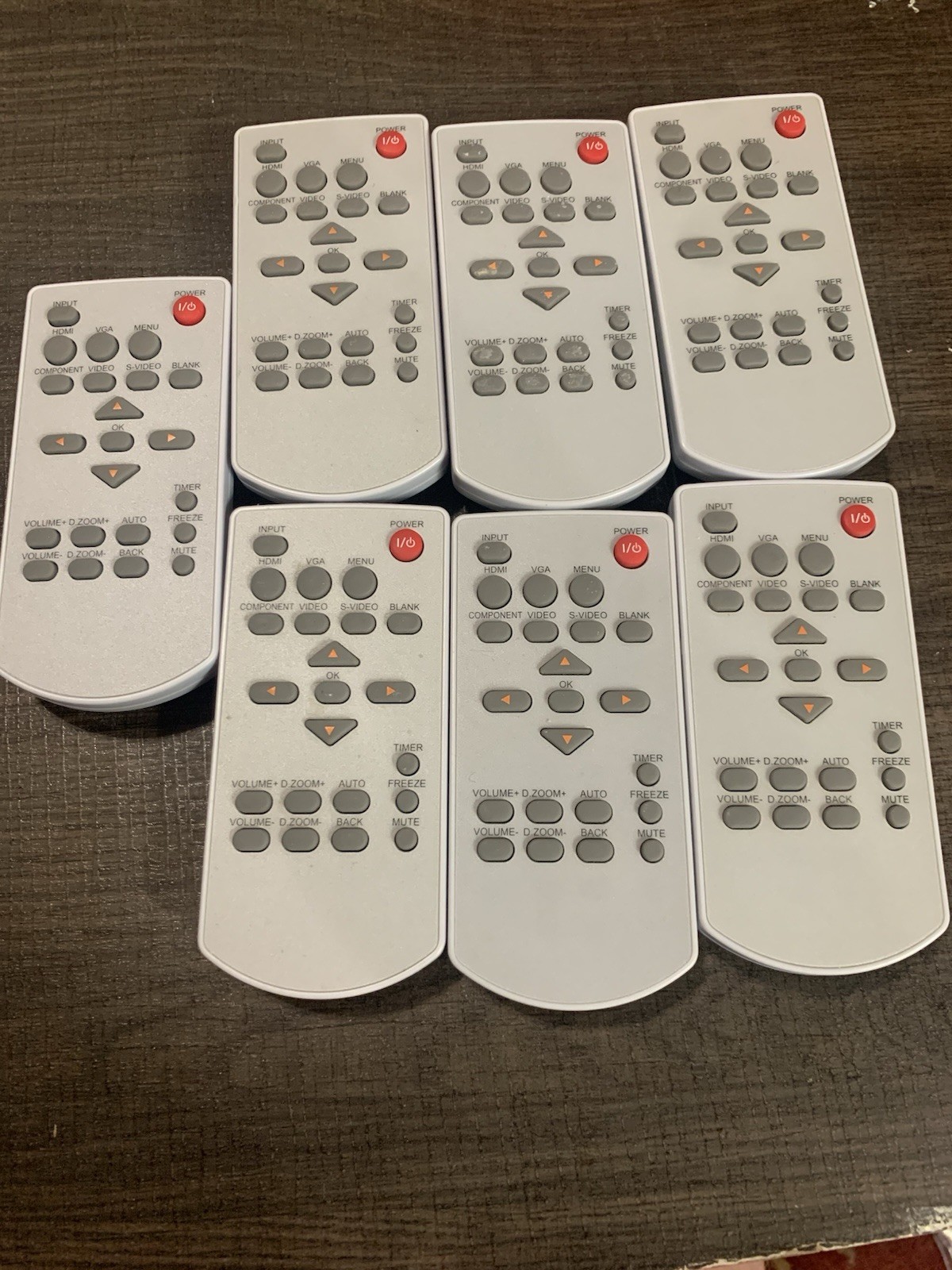
New Universal Replace Remote
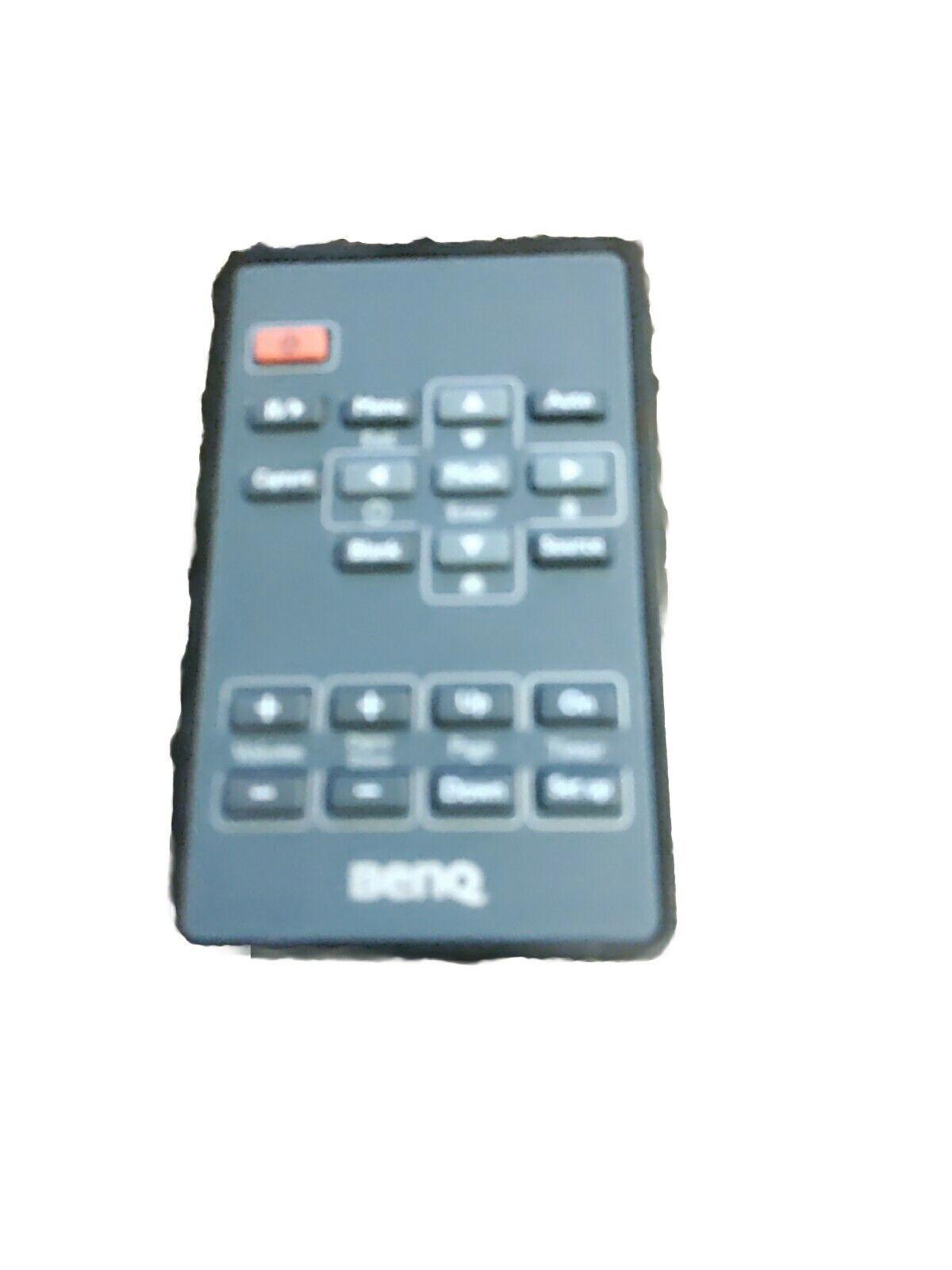
For Sanyo Epson Vivitek Benq Toshiba Nec Projector
USD $12.27
Condition : New
Free Shipping

Notify me when the price drops
We will email you if we find a lower price on this product!
New New Universal Replacement Remote Control for Sanyo Epson Vivitek Benq NEC Toshiba Viewsonic Projector Home Theater
Set up the Projector :
1.Holding down the "set" button, press the "mute" button at the same time, the LED flashing out after 3 times, release the two buttons.
2. Complete set, you can use it as normal.
The corresponding table button and brand:
"SET" key + "ON" button adapter: PLUS BENO NEC EIKI
"SET" key + "OFF" button adapter: VIVITEK BENQ PROMTHEAN
"SET" key + "MUTE" button adapter: SANYO EPSON (g)
"SET" key + "VIDEO" button adapter: PANASONIC FUJITSU
"SET" key + "RGB" button adapter: EPSON TOSHIBA SHARP eiki
"SET" key + "SOURCE" button adapter: NEC MITSUBISHI INFOCUS
"SET" key + "AV/MUTE" button adapter: SANYO OPTOMA UNIT
"SET" key +"KEYSTONE+ " button adapter: EPSON
"SET" key + "KEYSTONE-" button adapter: RICOH BENQ ACTO INASK OPTOMA ASK INFOCUS MITSUBISHI
"SET" key + "Z00M+" button adapler: OPTOMA MITSUBISHI
"SET" key + "ZOOM-" button adapter: BENQ MITSUBISHI
"SET" key + "VOL+" button adapter: SANYO EIki PANASONIC VIEWSONIC
"SET" key + "VOL-" button adapter: H-PEC OPTOMA ACTO
"SET" key + "MENU" button adapter: SAMSUNG NEC TOSHIBA
"SET" key + ??ESC" buton adapter: VEWSONIC HITACHI 3M
"SET" key + "ENTER" button adapter: LENOVO FOUNDER COSTAR
"SET" key + "MUTE" button adapter: SANYO EIKI SHARP
"SET" key + "POINTER" button adapter: HITACHI SONY
"SET" key + "BRIGHT" button adapter: EIKi LG PREMIER
"SET" key + ??CONTRAST " bution adapter: PHILIPS VEWSONIC
"SET" key + "COLOR" button adapter: HP DELL CANON NEC
"SET" key + "ASCEPT" button adapter: ZB VINEW SOME
"SET" key + "MODE" button adapter: PRONEER JVC UNIC POLAROID
"SET" key + "FREEZE" button adapter: ACER
"SET" key + "SIZE+" button adapter: CASIO
Power Supply: 2X 1.5V AA Batteries
Package Content:
1 x Remote Control (No Battery)






 .
